How do I apply a discount to my subscription?Updated 5 months ago
To apply a Discount Code to your subscription, follow these steps:
Log in to the Zend Customer Portal.
From the navigation menu click Manage Subscriptions.
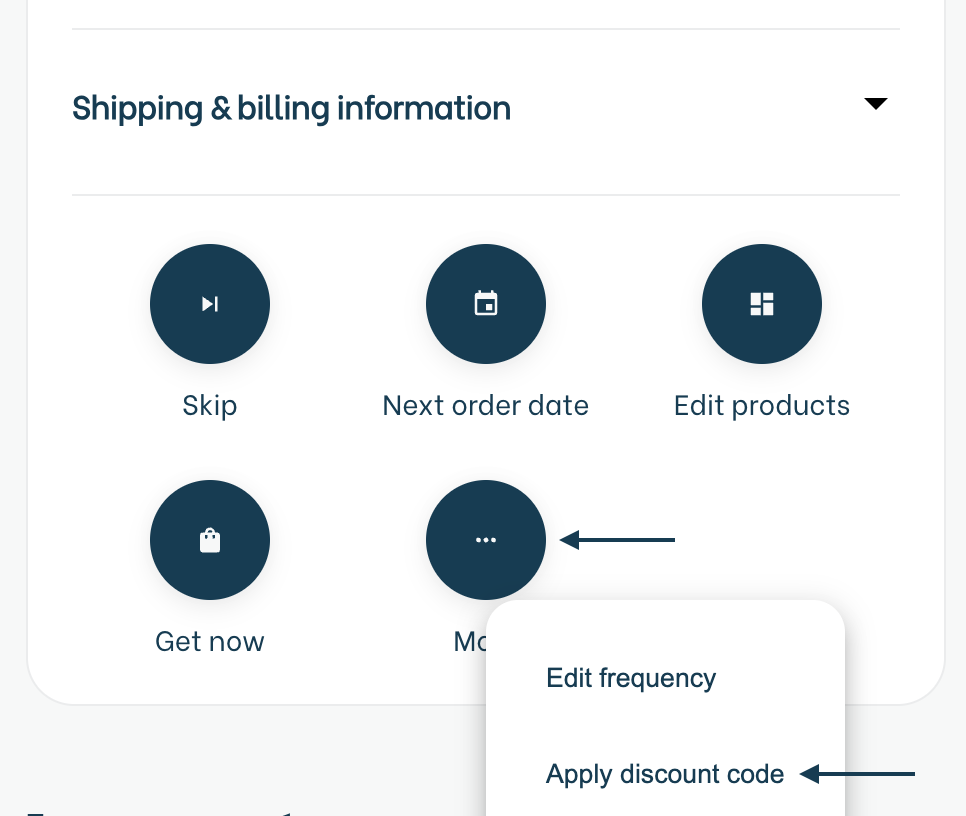
Scroll down to the Shipping & billing information section on your Active subscription.
Click the More button and select Apply discount code.
Enter your code and click Apply.